Terminal, groups, links
Four everyday things: your terminal in the repository, tabs in groups, Vim keys and links that open RepoTailor.
- Edition
- Free
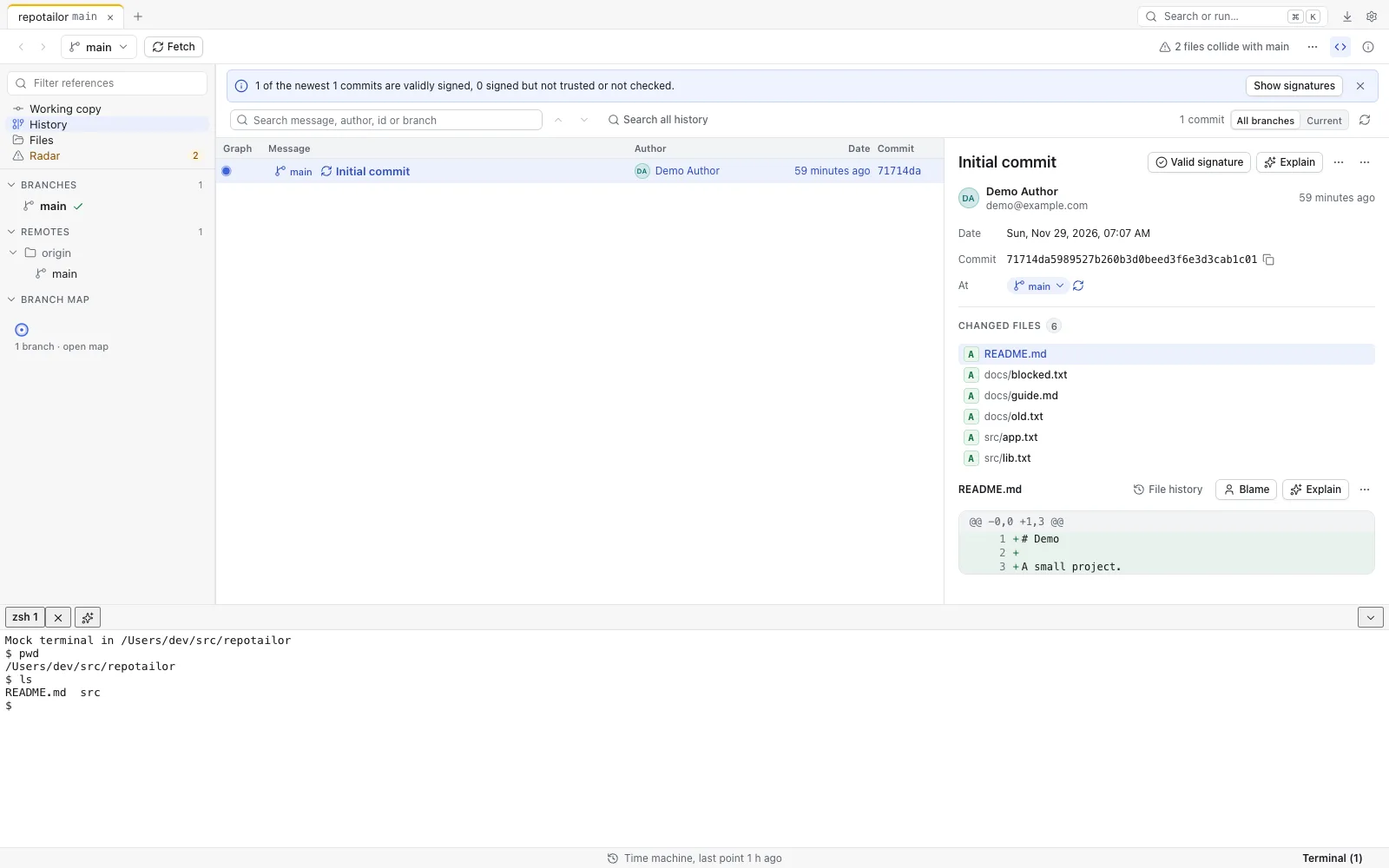
Built-in terminal
Your shell runs in the working tree1; after every Git command the app reloads by itself. It is off by default; switch it on under Terminal in the settings, then Ctrl+` opens it. What you type lies outside log and undo, as in any terminal.
Repository groups
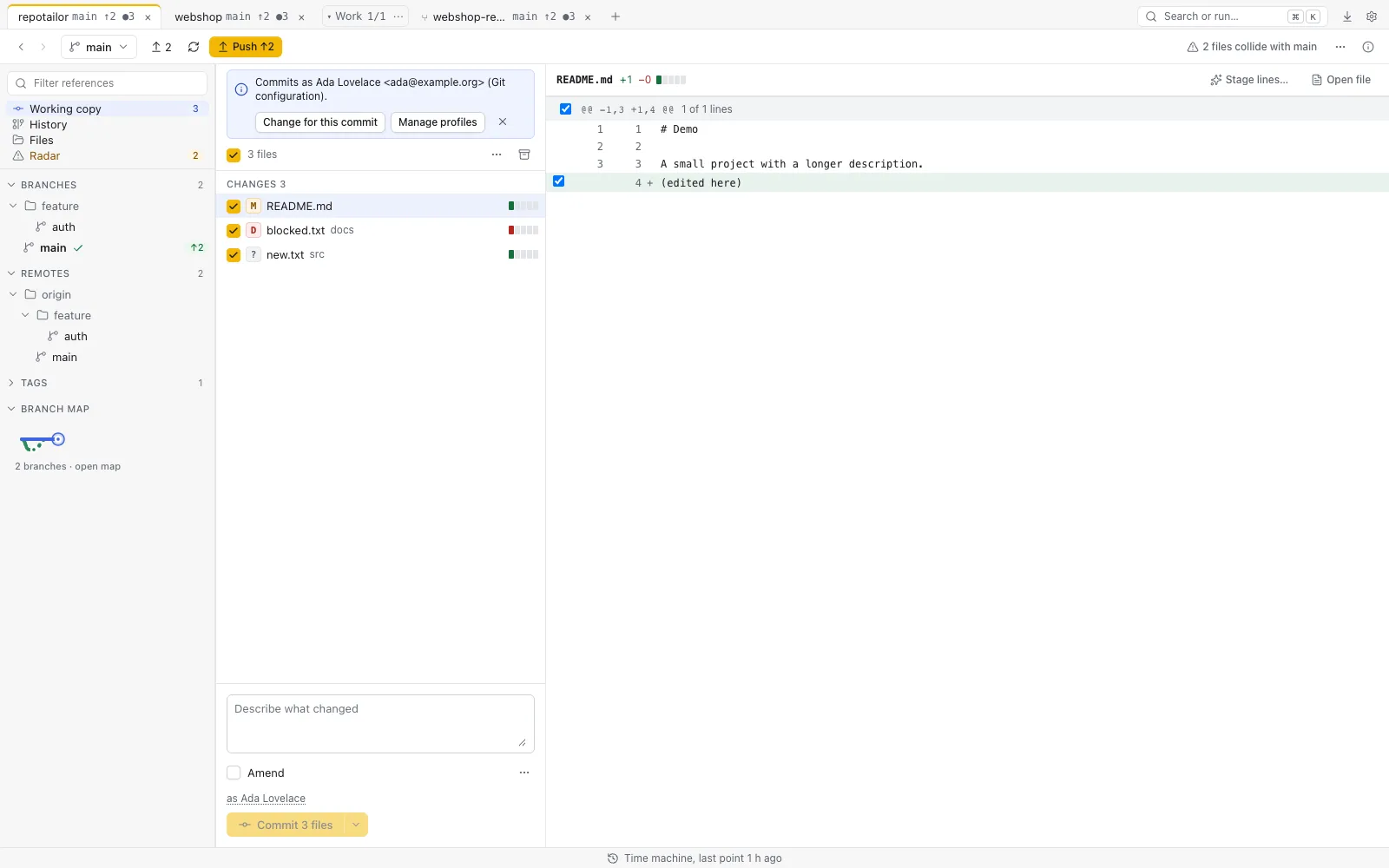
Named groups of tabs;2 at most one group per repository. Open or close them as a whole; in the quick switcher group:name filters.
Vim keys
A setting on the Keyboard page (off by default) moves you through lists with j and k.
Links and open in
repotailor://open?path=… opens a folder, repotailor://clone?url=… fills in the clone dialog.3 Nothing is cloned until you confirm; https://, ssh:// and git@host:path without credentials are allowed. On Windows “Open in RepoTailor” entries join the context menu; repotailor open <folder> also works on the command line.
A “Clone in RepoTailor” link: repotailor://clone?url=https%3A%2F%2Fgithub.com%2Facme%2Fapp.git als Ziel eines normalen Links.